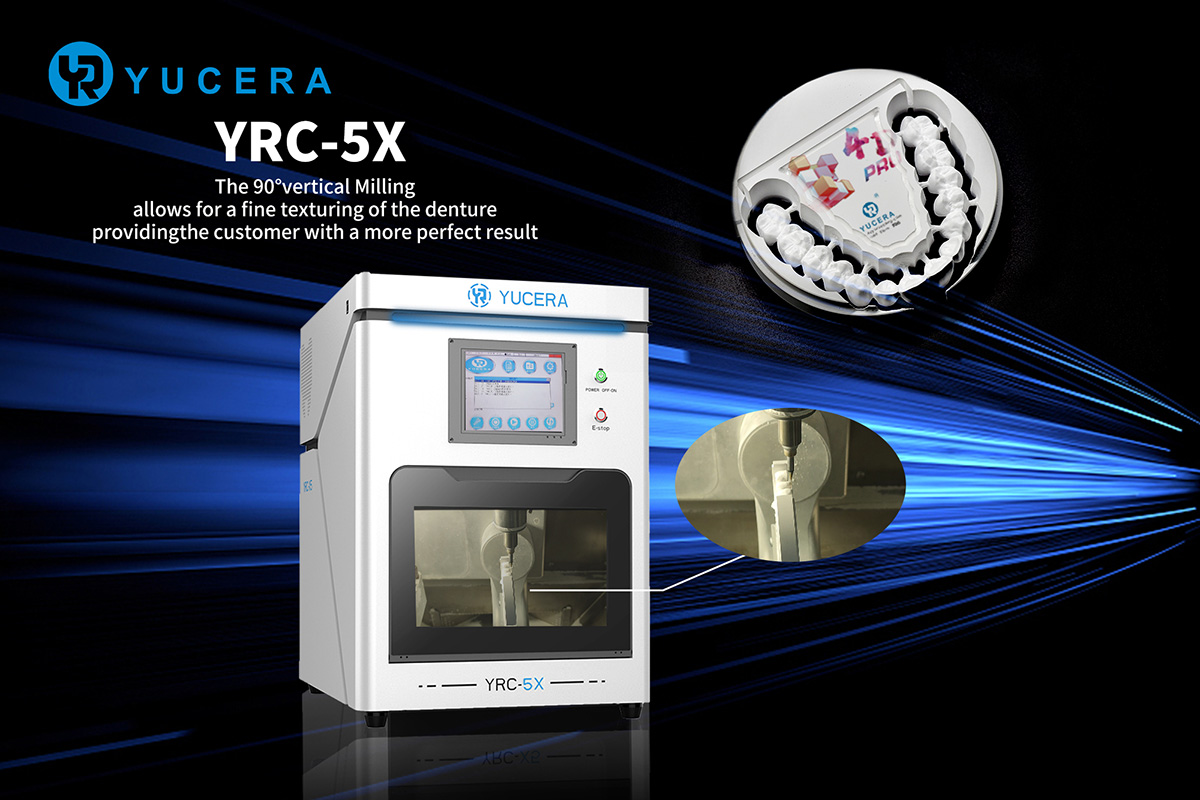
As digital dentistry expands globally in 2026, CAD/CAM systems — including intraoral scanners, 5-axis milling machines, and sintering furnaces — have become indispensable in clinics and laboratories. However, according to the 2026 International Dental Equipment Maintenance Report, 67% of equipment failures are directly linked to inadequate daily maintenance.
Poor maintenance leads to frequent breakdowns, extended downtime (averaging 5–7 days per incident), higher repair costs (15–20% of annual equipment budget), and significantly shortened equipment lifespan — up to 30% shorter without proper care.
Different regions face unique challenges: high humidity and voltage fluctuations in parts of North America, extreme temperature swings in Eastern Europe, and consistently low temperatures in Nordic countries. This guide covers essential maintenance routines, common faults with quick troubleshooting steps, regional adaptations, and pitfalls to avoid — helping you minimise downtime, reduce costs, and maximise equipment longevity.
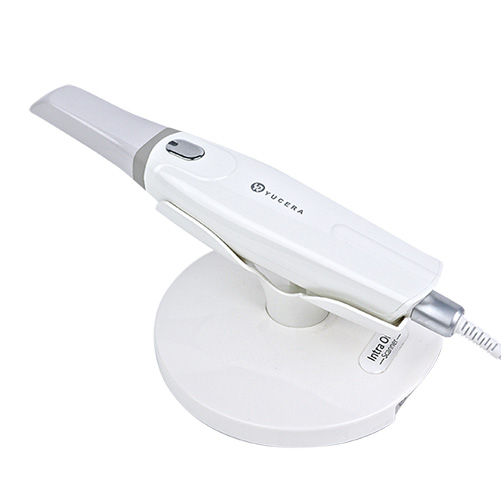
1.1 Intraoral Scanners (Daily + Weekly)
Daily (after each use):
-
Gently wipe the scanner tip with a dedicated soft cleaning cloth to remove saliva and debris. Avoid alcohol or harsh chemicals that can damage lenses.
-
Power down correctly and cover the tip with the protective cap to prevent dust accumulation.
-
Inspect cables for loose connections to avoid signal instability.
Weekly:
-
Clean lenses using a non-abrasive professional lens cleaning kit.
-
Check battery status (for portable models) and recharge fully to prevent deep discharge.
-
Update scanner software to the latest version for bug fixes and improved performance.
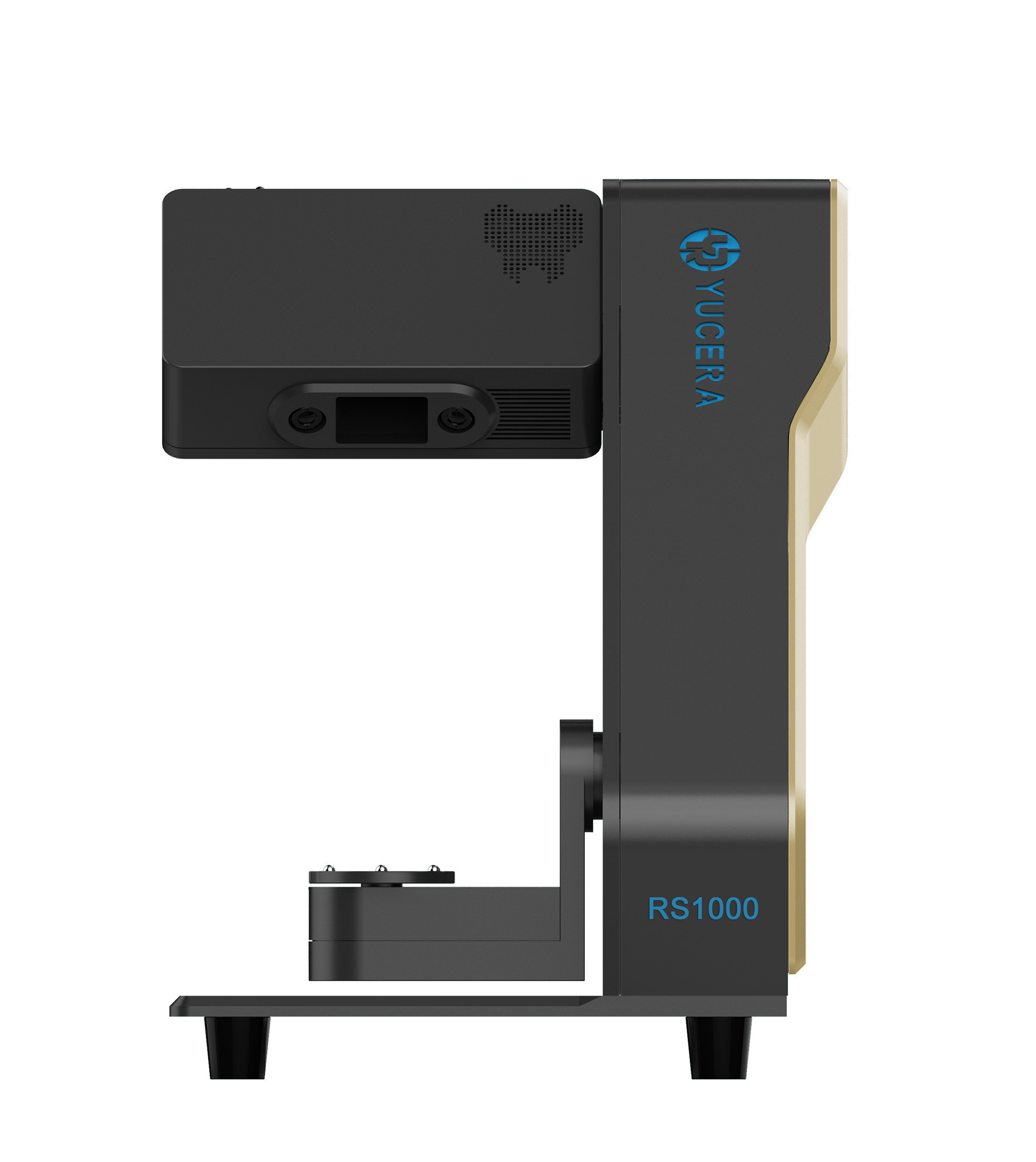
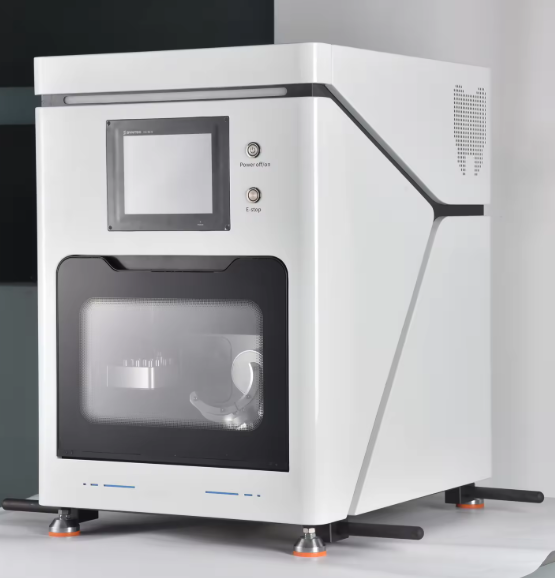
1.2 5-Axis Milling Machines (Daily + Weekly + Monthly)
Daily (end of each shift):
-
Clean the worktable and machining area thoroughly. Use compressed air or soft brushes — never water on dry-milling machines.
-
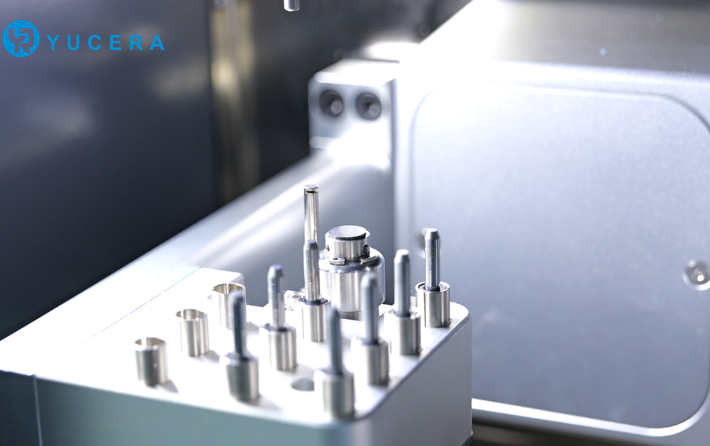
Inspect and replace worn tools immediately, as dull tools compromise accuracy.
-
Check the dust extraction system (dry milling) or coolant system (wet milling) for proper function.
Weekly:
-
Lubricate guide rails and ball screws with the recommended oil (follow manufacturer guidelines).
-
Listen for unusual spindle noises and monitor rotation speed.
-
Clean dust filter screens to maintain efficient extraction.
Monthly:
-
Verify worktable repeatability accuracy and adjust if needed.
-
Inspect electrical connections for looseness or aging.
-
Recalibrate tool length and machining coordinates.
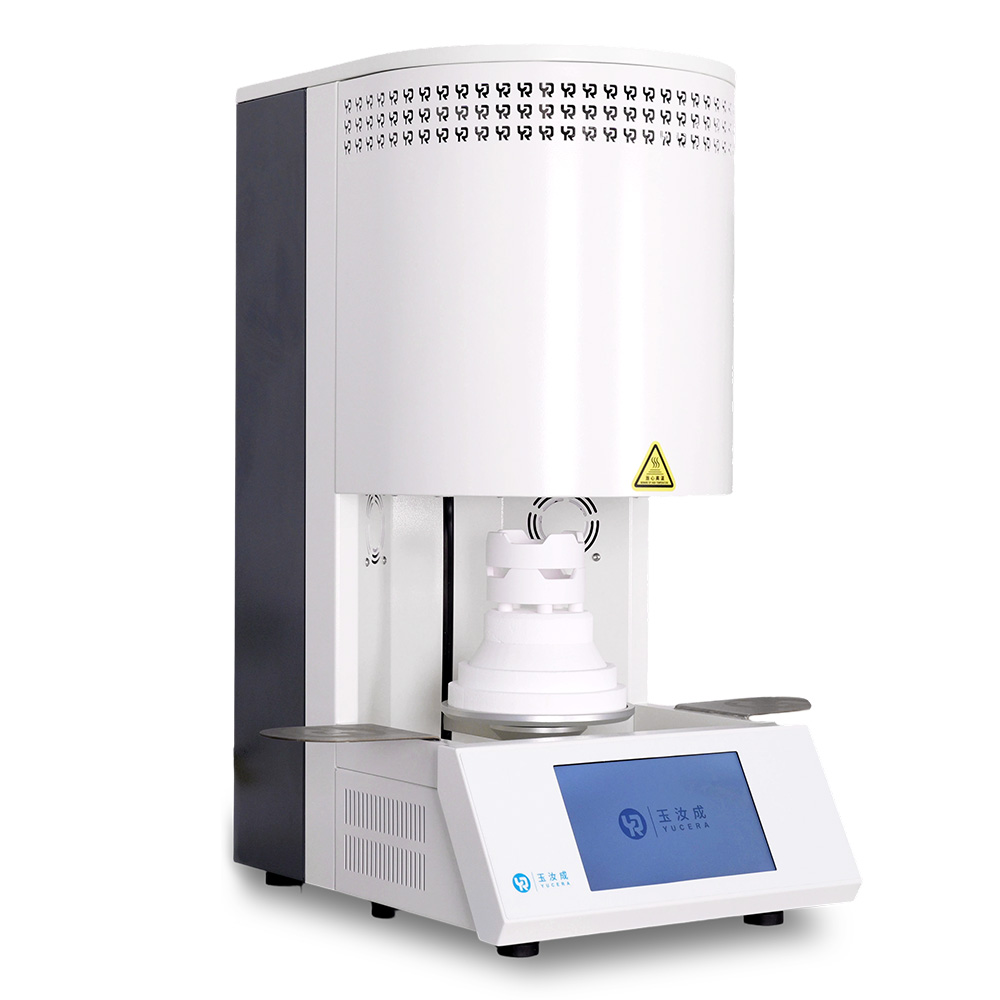
1.3 Sintering Furnaces (Daily + Monthly)
Daily (after each cycle):
-
Allow the chamber to cool completely to room temperature before cleaning with a soft brush to remove residual powder.
-
Check door seals for leaks, which can affect sintering quality.
-
Record sintering parameters (temperature, time) for future reference.
Monthly:
-
Inspect heating elements and replace any damaged rods.
-
Calibrate temperature sensors to ensure accurate chamber temperature.
-
Clean air vents to prevent blockages and maintain proper heat dissipation.
Safety reminder: Never open the door while the furnace is hot. Regular chamber cleaning prevents residue buildup that causes uneven sintering.
Regional Maintenance Adaptations (North America, Eastern Europe, Nordic)
Environmental conditions vary significantly across regions:
-
North America (110V power, higher humidity in some areas):
Use voltage stabilisers to protect against fluctuations. Increase moisture protection (desiccant packs) especially in coastal regions. Regularly verify grounding to meet FDA safety standards.
-
Eastern Europe (220V power, large seasonal temperature swings):
Switch to low-temperature lubrication oil during winter to prevent rail seizing. Maintain stable workshop temperature (18–25°C). Keep local backups of machine parameters in case of network instability.
-
Nordic countries (low temperatures, high air quality):
Pay extra attention to electrical insulation in cold conditions. Reduce dust filter cleaning frequency due to cleaner air, but still inspect regularly. Perform monthly precision calibration to meet high clinical standards.
Common CAD/CAM Faults & Quick Troubleshooting (FAQ Style)
3.1 Intraoral Scanner Common Issues
-
Blurry or lagging scan image Cause: Dirty lens, low battery, outdated software, strong ambient light.
Solution: Clean lens properly, fully charge device, update software, adjust lighting.
-
Data export or transfer failure Cause: Loose cable, unstable network, incompatible format.
Solution: Reconnect cable, switch to local transfer, convert to STL/OBJ.
-
Device won’t power on Cause: Loose power connection, damaged cable, battery issue, voltage problem.
Solution: Check connections, replace cable, use stabiliser if needed.
-
Cannot recognise scan body Cause: Dirty scan body, incorrect positioning, failed calibration.
Solution: Clean scan body, reposition correctly, recalibrate scanner.
-
Scan data deviation Cause: Unclean lens, uncalibrated scanner, patient movement.
Solution: Clean and recalibrate, stabilise patient head during scan.
3.2 5-Axis Milling Machine Common Issues
-
Unusual noise or vibration during milling Cause: Worn tool, loose spindle, poor material fixation, insufficient lubrication.
Solution: Replace tool, tighten spindle, secure material, lubricate rails.
-
Poor accuracy or chipping edges Cause: Incorrect tool calibration, wrong parameters, table offset.
Solution: Recalibrate tool and coordinates, adjust parameters, check table accuracy.
-
Machine fails to start Cause: Power issue, loose wiring, emergency stop not reset.
Solution: Check power and wiring, reset emergency stop, restart control system.
-
Dust extraction not working Cause: Clogged filter, fan failure, wiring issue.
Solution: Clean or replace filter, check fan, inspect connections.
-
Tool breakage Cause: Poor tool quality, excessive parameters, hard material, improper installation.
Solution: Use quality tools, reduce speed/feed, install correctly.
3.3 Sintering Furnace Common Issues
-
Temperature not reaching target Cause: Damaged heating element, faulty sensor, door leak, voltage fluctuation.
Solution: Replace heating element/sensor, check seals, use voltage stabiliser.
-
Material deformation or cracking after sintering Cause: Incorrect temperature curve, too rapid ramp, uneven heat distribution.
Solution: Adjust curve per material guidelines, slow ramp rates, calibrate chamber.
-
Furnace won’t start or run program Cause: Power issue, incorrect settings, door not fully closed.
Solution: Check power, verify settings, ensure door is properly closed.
-
Unusual smell or smoke inside chamber Cause: Residual powder, aging heating element, unsuitable material.
Solution: Cool and clean chamber, replace element, use correct material.
-
Significant colour deviation after sintering Cause: Temperature inaccuracy, insufficient hold time, chamber contamination.
Solution: Recalibrate sensor, adjust hold time, thoroughly clean chamber.
Maintenance & Troubleshooting Pitfalls to Avoid (Beginner Guide)
-
Using alcohol or acetone on lenses or chambers — damages surfaces.
-
Performing maintenance without powering off or waiting for cool-down — risk of shock or burns.
-
Randomly changing parameters or skipping calibration — causes accuracy loss.
-
Using non-original or unapproved spare parts — leads to compatibility problems.
-
Disassembling complex components yourself — may void warranty.
-
Applying one-size-fits-all maintenance without regional adjustments.
-
Keeping incomplete maintenance records — complicates future troubleshooting.
-
Only doing superficial cleaning while ignoring deep monthly tasks.
Conclusion: Invest in Maintenance for Long-Term Success
Proper preventive maintenance and swift troubleshooting are not optional — they are essential for keeping CAD/CAM equipment reliable, accurate, and cost-effective. By following structured routines, adapting to regional conditions, and avoiding common mistakes, dental practices and labs can extend equipment life by up to 30%, reduce downtime by 80%, and lower maintenance costs by around 40%.




 中 文
中 文