

 中 文
中 文
Telemedicine Reducing Urban-Rural CAD/CAM Access Gaps in Africa
2025-12-12
2026-05-15
Welcome to YUCERA’s FAQ! Each week, we tackle a real challenge our customers face with CAD CAM equipments and zirconia block. Insights come straight from our R&D, marketing, and after-sales teams. Curious? Have a problem you’d like solved? Join the conversation, share your experience, and discover solutions that make your workflow smarter and more efficient.
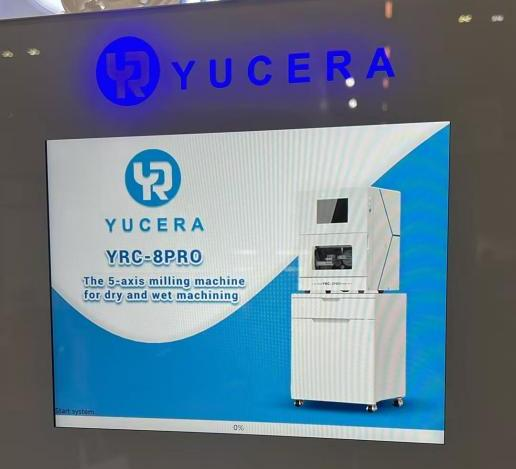
Today our topic is "8PRO Wet & Dry Milling Machine: Expert Answers to Common Dental Lab Questions"
Question: Does the YRC-8PRO support Spanish, and which languages can be switched with one click?
Answer:
The YRC-8PRO currently supports four languages: Chinese, English, Spanish, and Russian, allowing users to switch between them with a single click. Due to the extensive work involved in translation and system integration, Portuguese support is planned to be added by May. Our multilingual interface ensures that dental laboratories worldwide can operate the 8PRO efficiently, minimizing language barriers and optimizing workflow.
Question: What is the recommended voltage stabilizer power for the YRC-8PRO?
Answer:
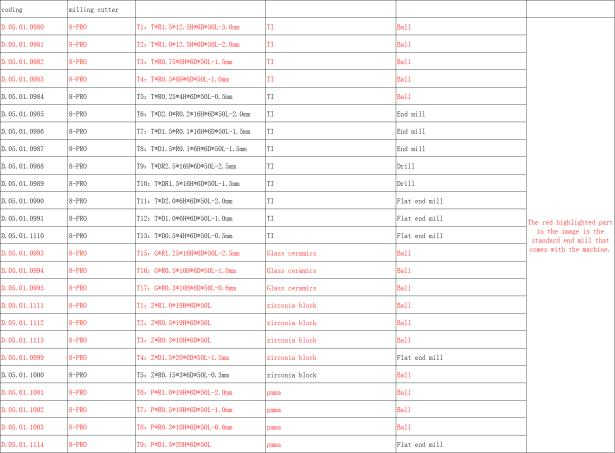
Question: What is the configuration of the burs for the YRC-8PRO, and how do they differ?
Answer:
For optimal performance and stable operation, the YRC-8PRO should be paired with a voltage stabilizer rated at 3000 W. Using a stabilizer with this capacity ensures consistent power supply, protects the machine’s sensitive electronics, and helps maintain milling precision and reliability in dental laboratory workflows.
For standard crown milling, only the first four burs are required. For implant-related restorations, the burs marked with black font at the rear of the set should be used. Each bur is specifically designed to optimize cutting efficiency and precision for its intended application, ensuring high-quality dental restorations. A diagram of the burs is provided for reference to help users easily identify and select the appropriate tool for each procedure.
Question: The YRC-8PRO remains stuck on the startup screen and the progress bar does not advance. How should this be resolved?
Answer:
If the YRC-8PRO does not progress beyond the startup screen, power off the machine and wait for approximately one minute before restarting. This simple reset procedure allows the system to clear temporary initialization errors and ensures proper boot-up. If the issue persists after multiple attempts, please contact technical support for further assistance to prevent potential disruption to your milling workflow.
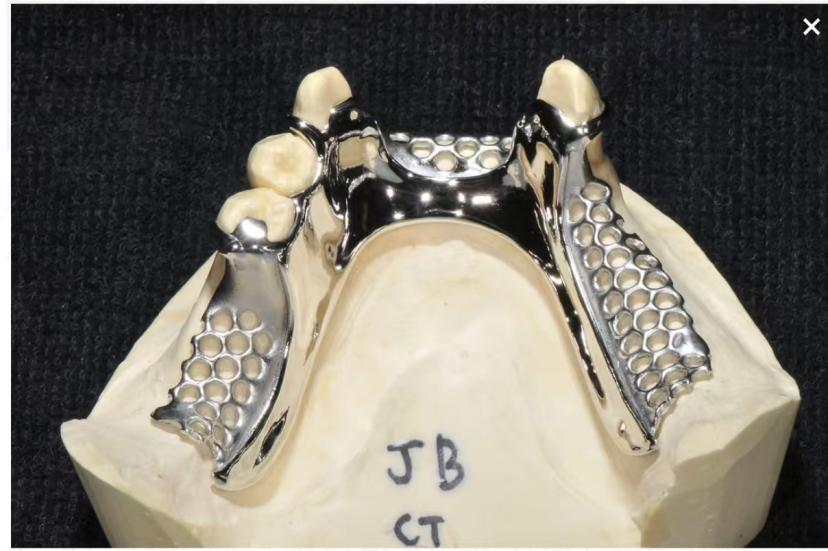
Question: Can the YRC-8PRO mill titanium discs as shown in the image?
Answer:
Yes, the YRC-8PRO is capable of milling titanium discs. However, certain areas may require manual adjustment, as some positions are beyond the machine’s automatic reach. Proper setup and positioning are essential to ensure precision and prevent incomplete milling. It is recommended to follow the illustrated guidelines for optimal results.

Dry & wet milling for zirconia, PMMA, wax with auto tool changer.
learn more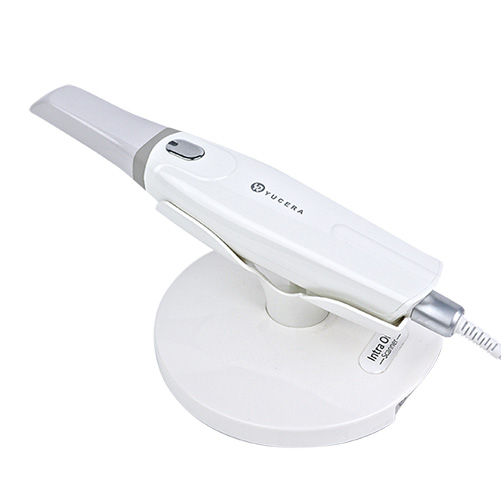
High-precision 3D scanning, AI calibration, full-arch accuracy.
learn more
40-min full sintering with 57% incisal translucency and 1050 MPa strength.
learn more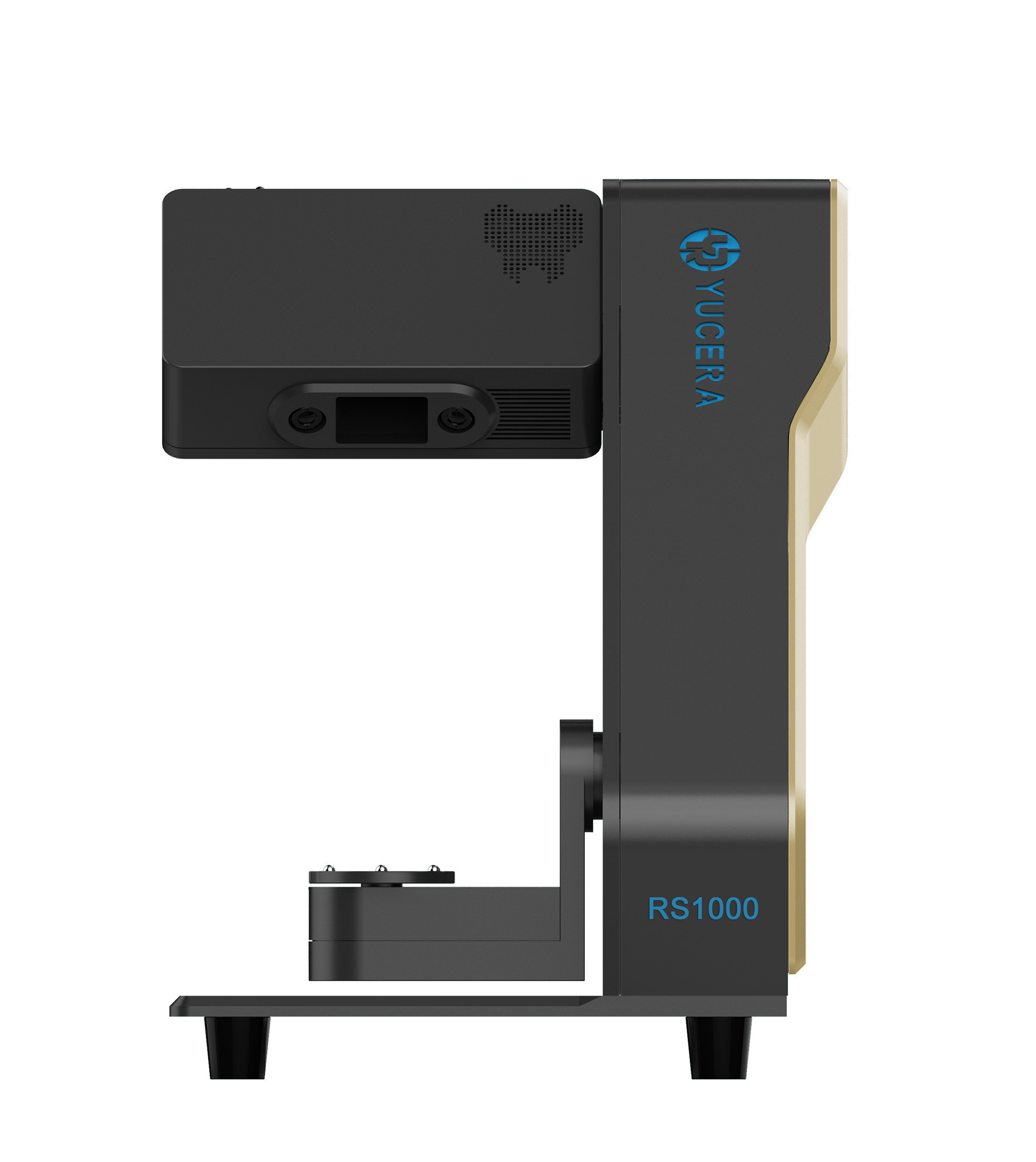
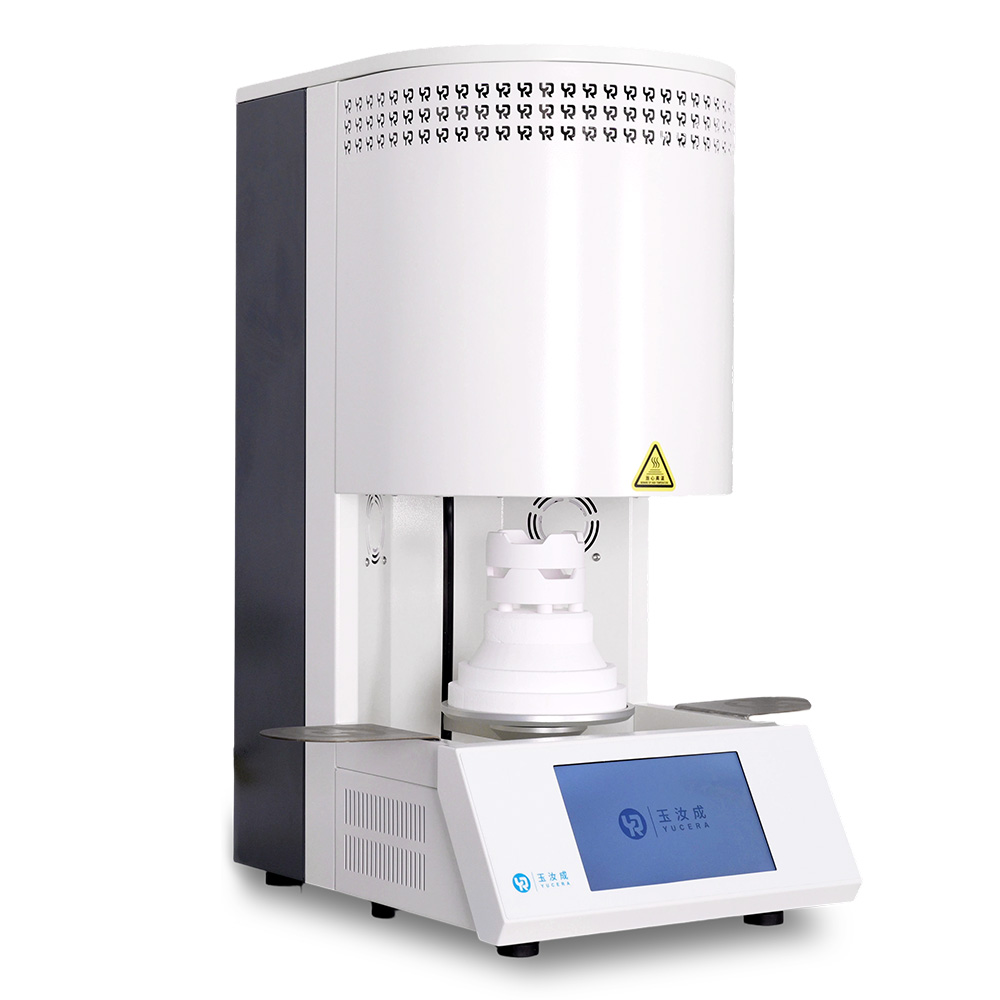
40-min cycle for 60 crowns, dual-layer crucible and 200°C/min heating.
learn more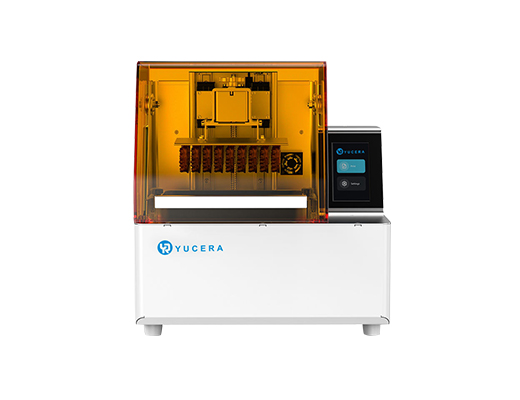
High-speed LCD printer for guides, temporaries, models with 8K resolution.
learn more