


 中 文
中 文

Top 10 Zirconia Milling Machines Supplier for Dental Laboratories
2024-07-28
2026-02-05
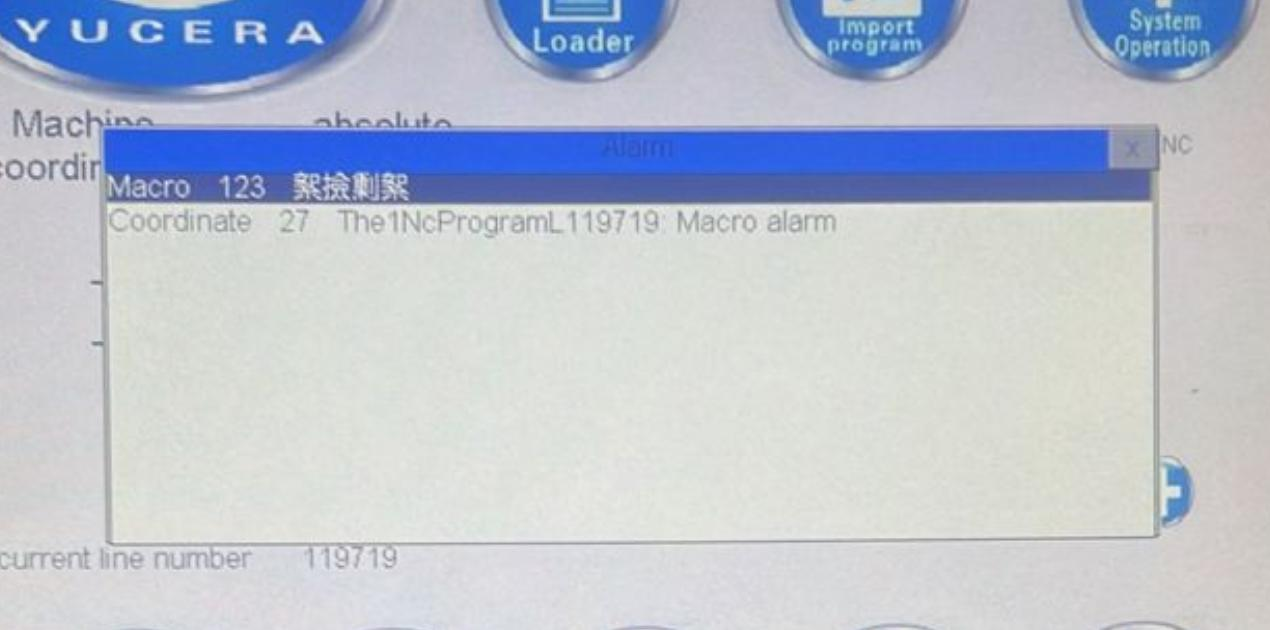
Turn off the machine and forcefully move the spindle to tool magazine #2 (this alarm usually only occurs when a new machine is turned on for the first time).
 FAQ 2: 5x Milling machine alarm - spindle servo drive alarm, how to solve it?
A: Shut down the computer and wait two minutes before restarting it (restart intervals should be at least 30 seconds).
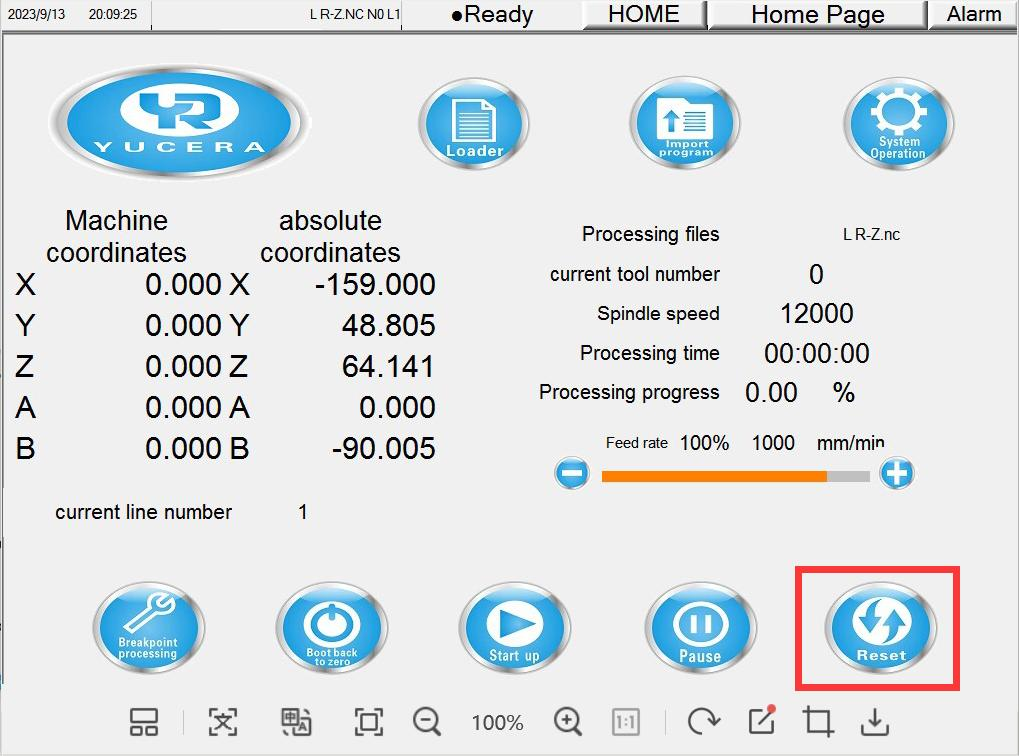
A: Click Reset - Clamping Position - Tool Zeroing - Password 520, replace with a new tool and reprocess (you need to check if the tool is placed correctly and if the layout is incorrect to prevent tool breakage twice).
A: There are no videos, only corresponding operation pictures and documents, because customer operation errors will cause more serious problems. If customers need machine calibration, they can contact the Yucera after-sales team.
A: The default path is C:\Users\Public\Documents\hyperDENT\Projects
A: The coating on the bur has worn off, so it needs to be replaced with a new one.
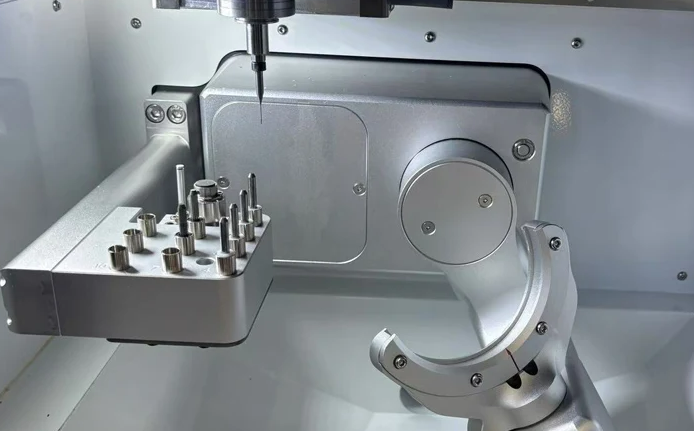
A:
1. Check if the spindle has the corresponding tool → Check if the spindle tool is normal. If the tool setter jams when pressed, it indicates dust is stuck.
2. Check if the coordinates have been changed → Check if the coordinate page has been changed to incorrect coordinates by the customer.
3. If there is no response when manually pressing, insert the keyboard and press F5 . F3, then press the tool setter to check if there is a signal → An on/off signal should appear at the corresponding position on the screen. If there is no signal, it can be determined that the tool setter is faulty and needs to be replaced with a new tool setter.
A:
1. After canceling the alarm, the spindle does not rotate when manually started. → Check the spindle servo drive; restarting the machine tool resolves the issue.
2. Check for high water levels or obvious water stains in the air pressure valve, and water droplets in the air pipe. → Check for water in the filter valve; the customer needs to install a condenser or filter.
3. Pressure reducing valve and frequency converter are normal, but there is no rotation when manually started. → The pressure reducing valve is empty, the frequency converter is outputting normally, the relay is working properly, and the wiring is normal. The fault persists after restarting. The spindle does not rotate in automatic machining mode, and there is no response in manual mode. The spindle is damaged, indicating a hardware failure and needs replacement.
A:
1. If restarting the machine tool works normally, the problem is unstable voltage. → We recommend that the customer use a voltage regulator.
2. If restarting still does not display anything, disassemble the monitor and check the wiring. → If the wiring is fine, then the monitor is faulty.
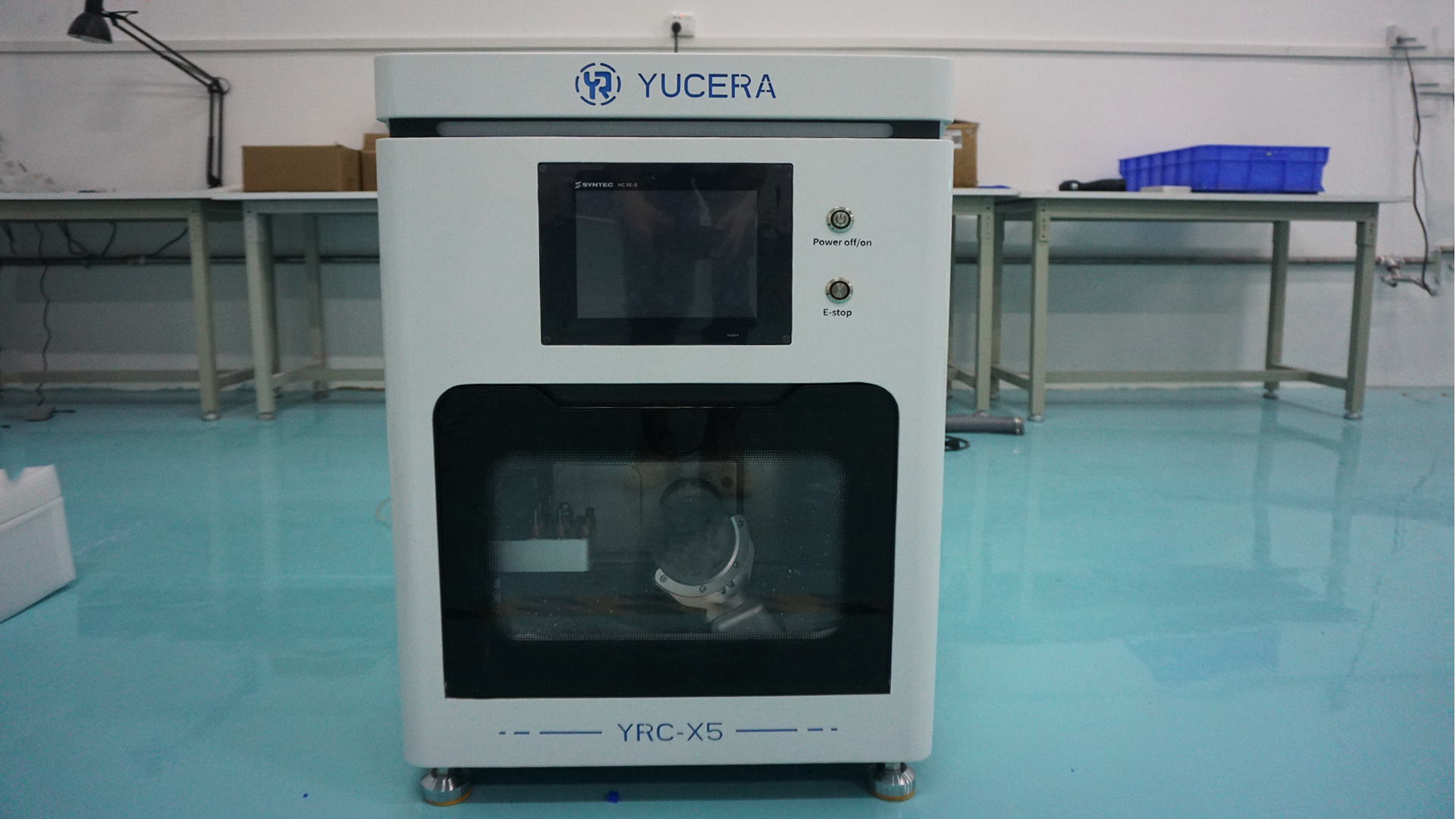

Dry & wet milling for zirconia, PMMA, wax with auto tool changer.
learn more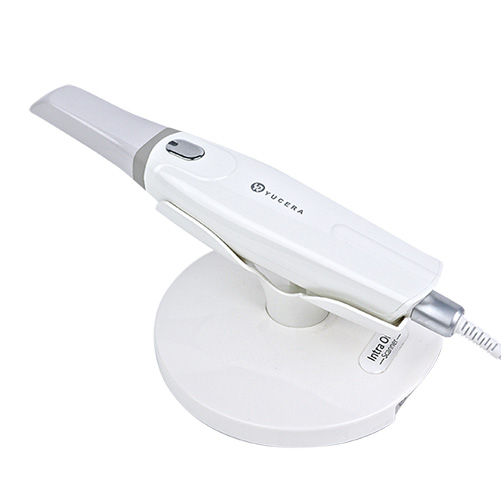
High-precision 3D scanning, AI calibration, full-arch accuracy.
learn more
40-min full sintering with 57% incisal translucency and 1050 MPa strength.
learn more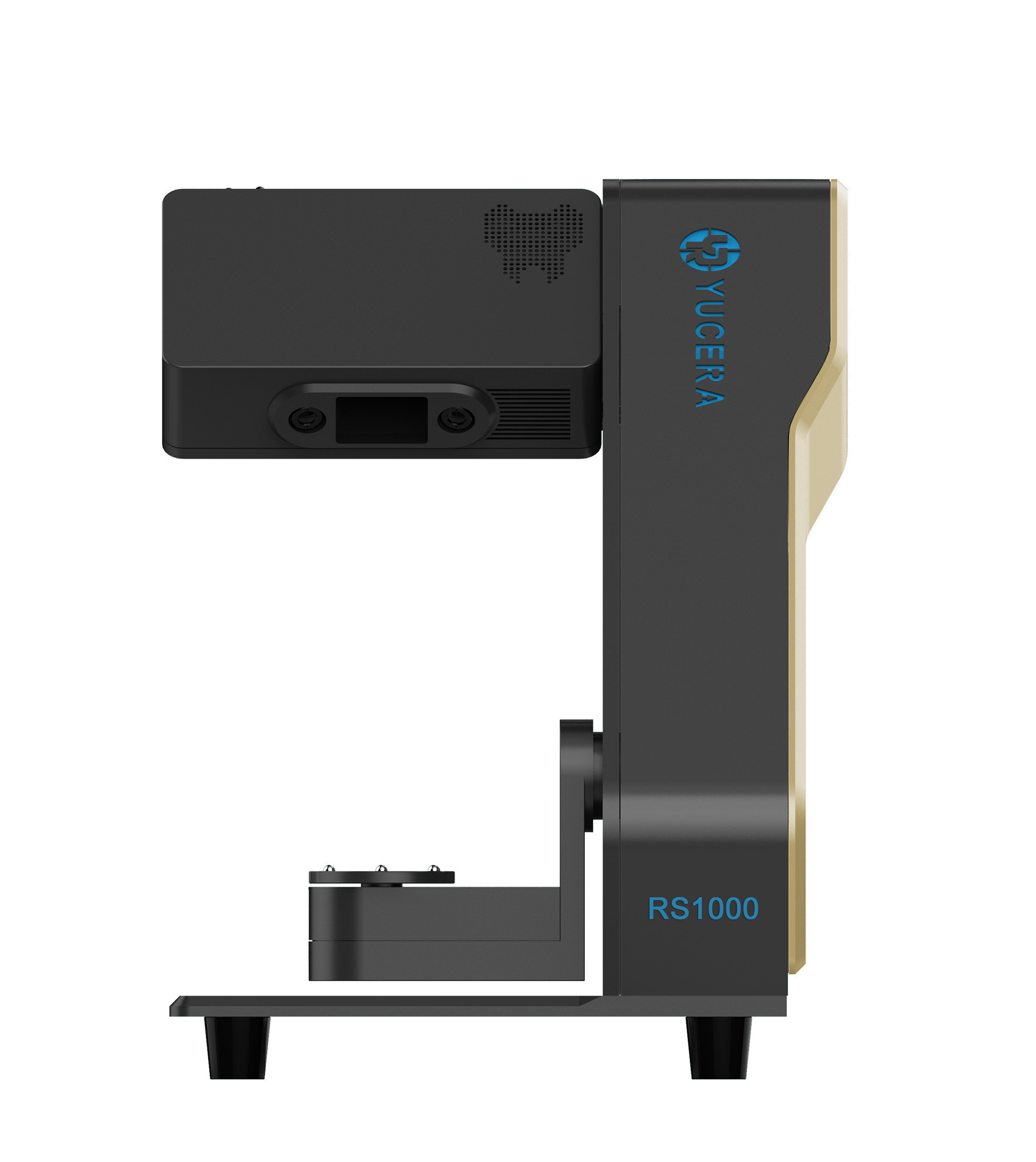
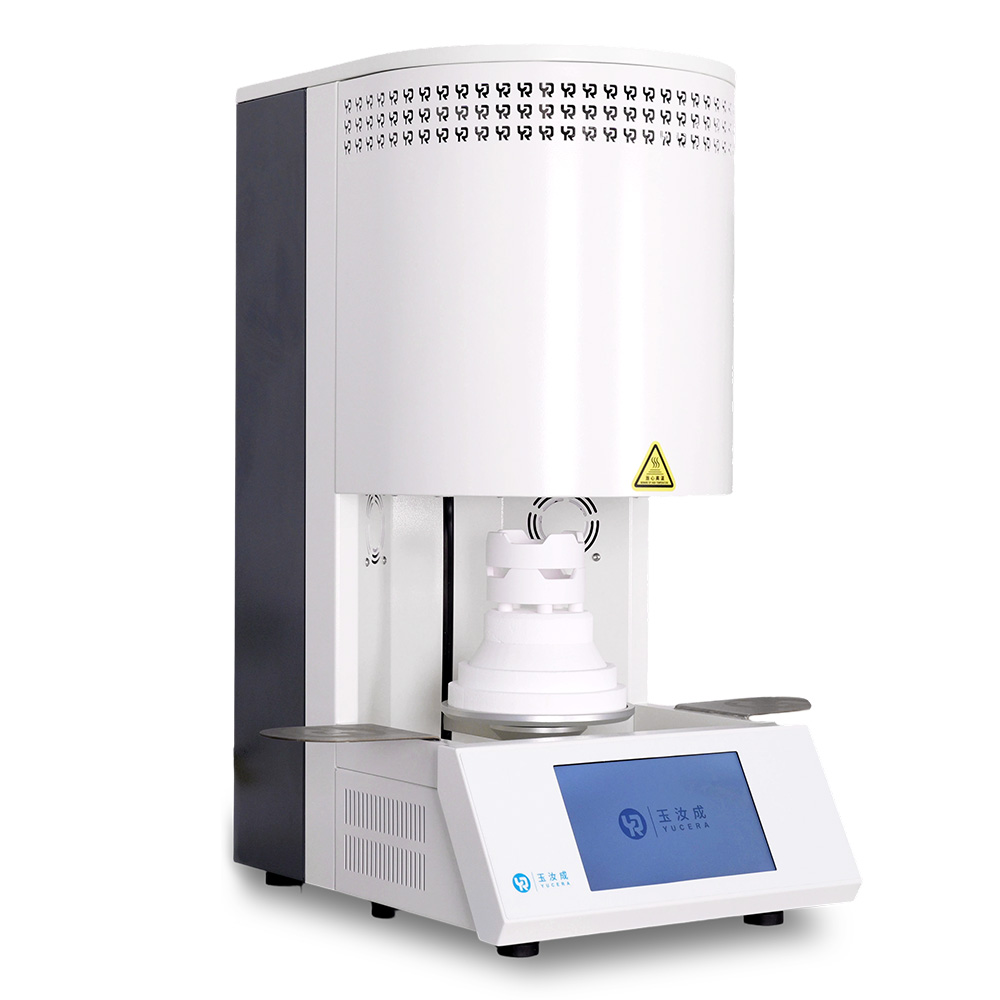
40-min cycle for 60 crowns, dual-layer crucible and 200°C/min heating.
learn more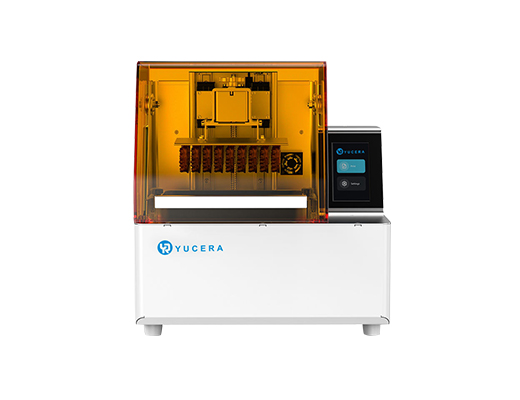
High-speed LCD printer for guides, temporaries, models with 8K resolution.
learn more