

 中 文
中 文
How To Choose The Right Equipment For Your Dental Practice
2025-04-08
2026-02-11
CAD/CAM scanners—intraoral for chairside impressions and desktop for lab model scanning—are essential in Western European dental clinics (UK, Germany, France, Italy, Spain, Netherlands, Belgium). In 2026, these tools support precise zirconia restorations, implants, and same-day workflows, but issues like artifacts, calibration errors, poor quality, and connectivity can disrupt efficiency and increase remakes.
Western European clinics face strict EU MDR compliance, requiring traceable, high-accuracy scans (trueness <20-50 μm). Common problems often stem from user technique, environment, software, or maintenance rather than hardware failure. This guide covers the most frequent issues and practical fixes, helping clinics maintain workflow reliability and meet regulatory standards.
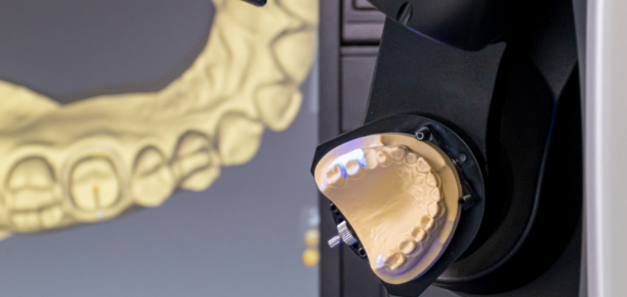
Symptoms: Distorted models, marginal gaps, inconsistent fit, or repeated decalibration warnings.
Causes: Temperature/humidity fluctuations (common in variable European climates), scanner movement, heavy use, or skipped routines.
Troubleshooting Steps:
Prevention: Schedule monthly checks; keep scanner in stable 18-26°C, 40-60% humidity environment. Clinics report 30-50% fewer accuracy issues with routine calibration.
Symptoms: Holes, excess material, distortions, reflections, or noise in scans.
Causes: Moisture (saliva, blood), inadequate retraction, debris, motion, or light scattering.
Troubleshooting Steps:
Prevention: Train staff on technique: systematic scanning (occlusal first, then axial/margins). Powder-free modern scanners reduce issues; labs see 40% fewer artifacts with proper isolation.
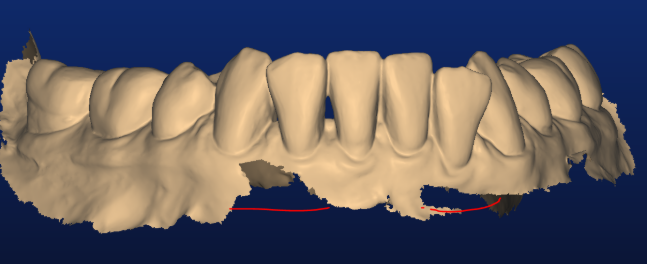
Symptoms: Holes in arches, misaligned segments, missing gingiva, or excess material.
Causes: Insufficient overlap between passes, uniform/feature-poor surfaces (edentulous spans), patient movement, or saliva ripples.
Troubleshooting Steps:
Prevention: Use guided scanning paths; practice on models. Studies show proper overlap reduces stitching failures by 50-70%.
Symptoms: Scanner won't connect, lag, freezing, crashes, or file transfer failures.
Causes: Network instability, outdated software/firmware, USB/port problems, or background apps.
Troubleshooting Steps:
Prevention: Maintain stable network; schedule monthly updates. Connectivity issues drop significantly with routine checks.
Symptoms: Laggy scans, overheating, condensation, or sudden failures.
Causes: Extreme temperatures/humidity, dust buildup, or vibration.
Troubleshooting Steps:
Prevention: Use air-conditioned rooms with dust filters. Environmental control prevents 20-30% of hardware-related issues.
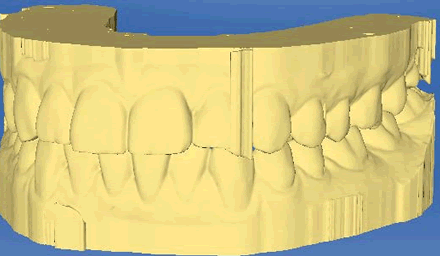
Common CAD/CAM scanner issues in Western European clinics—calibration errors, artifacts, stitching problems, connectivity, and environmental factors—are mostly preventable with technique, routine maintenance, and controlled conditions. Clinics achieving consistent 10-20 μm accuracy reduce remakes, improve zirconia fit, and maintain MDR compliance.
Implement staff training, daily checks, and logs to minimize disruptions. In 2026's digital landscape, effective troubleshooting keeps Western European practices efficient, compliant, and competitive across the UK, Germany, France, Italy, and beyond.

Dry & wet milling for zirconia, PMMA, wax with auto tool changer.
learn more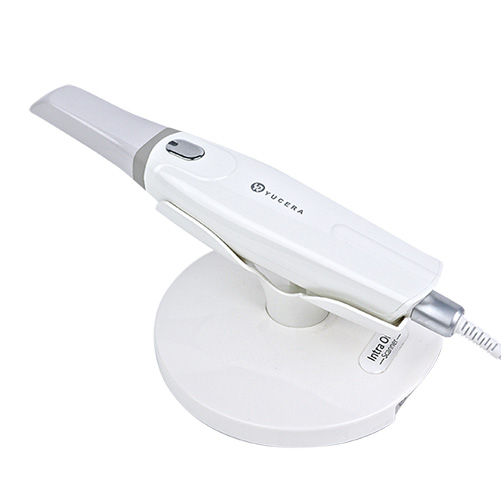
High-precision 3D scanning, AI calibration, full-arch accuracy.
learn more
40-min full sintering with 57% incisal translucency and 1050 MPa strength.
learn more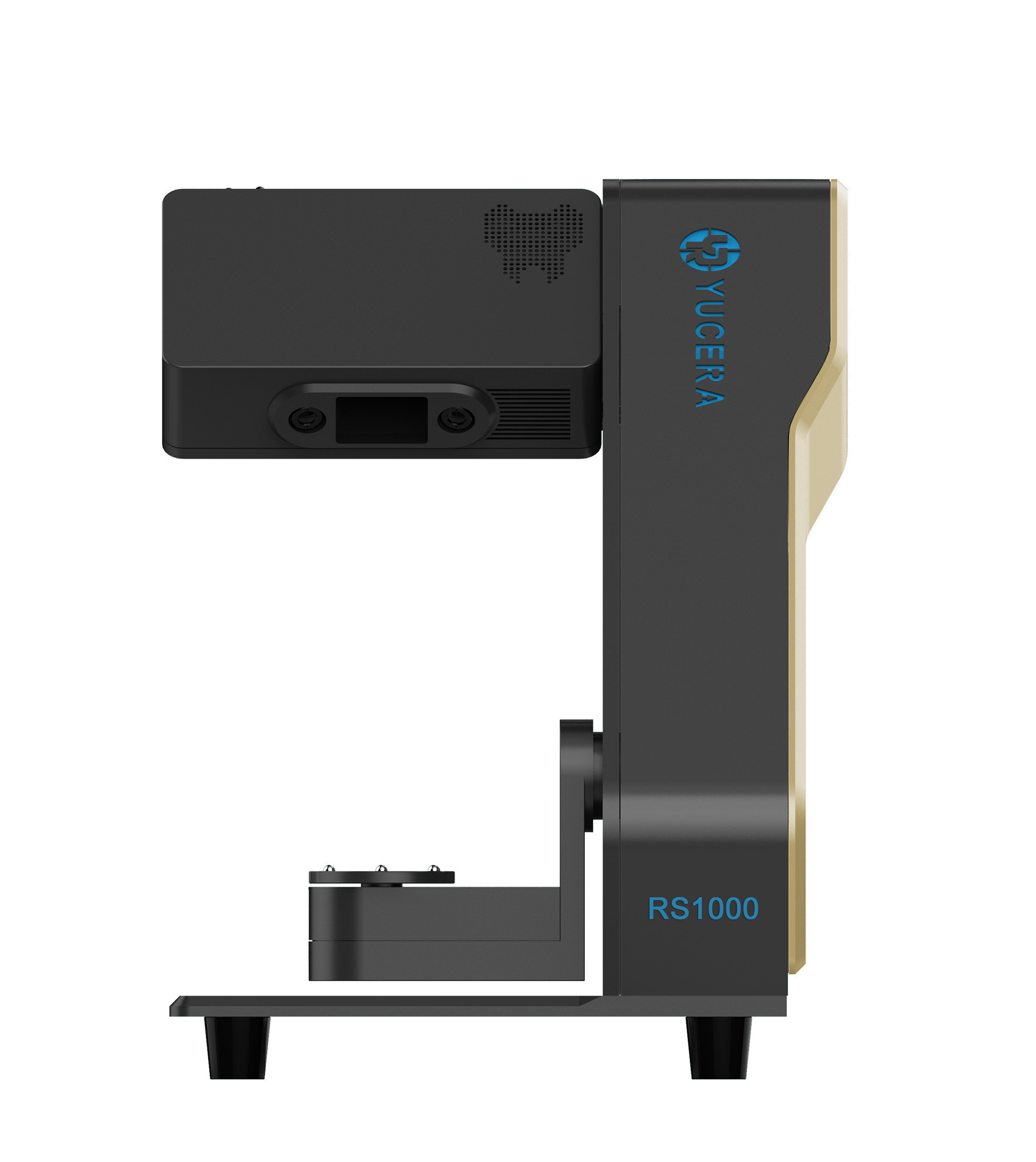
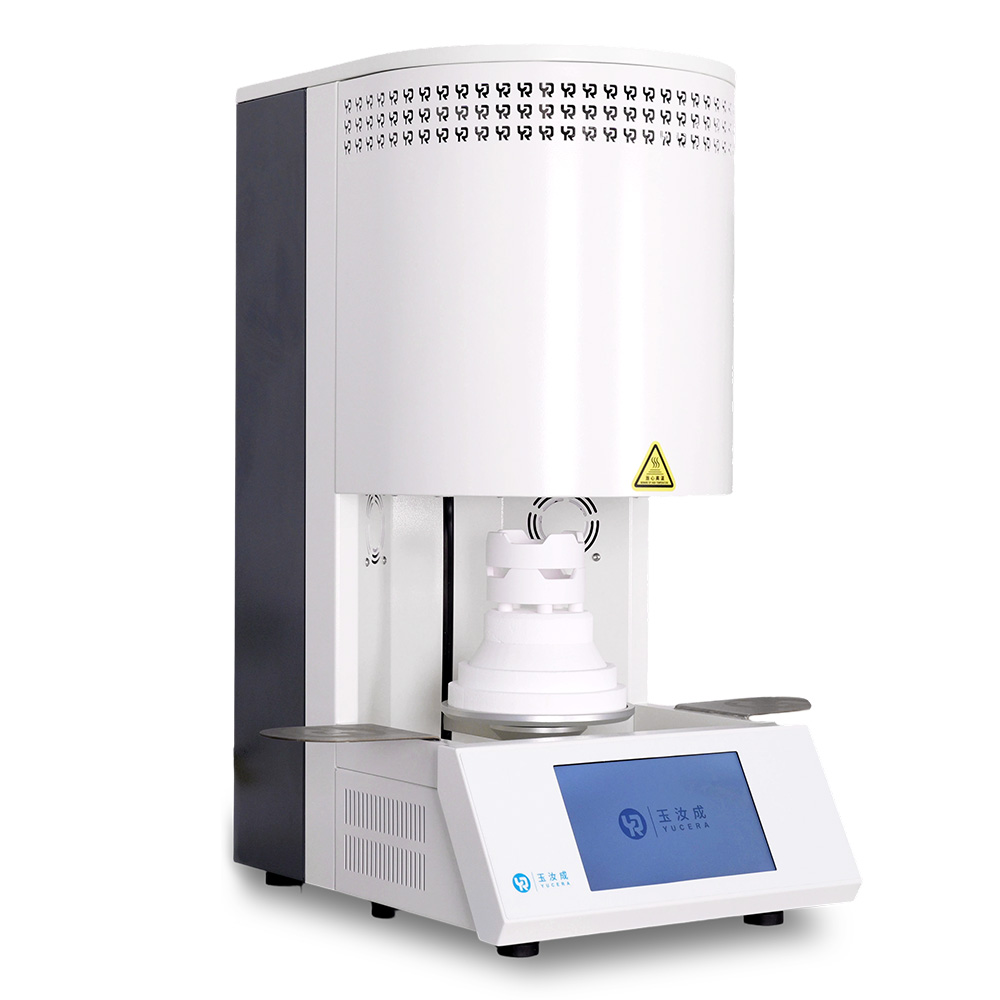
40-min cycle for 60 crowns, dual-layer crucible and 200°C/min heating.
learn more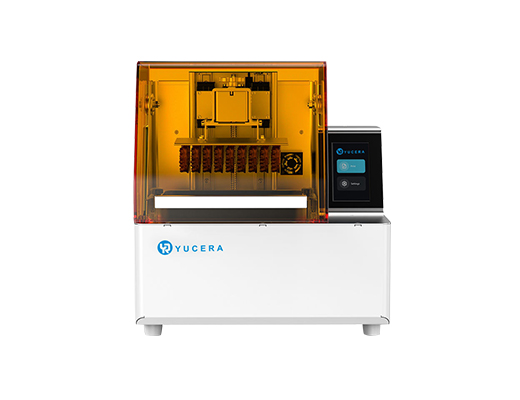
High-speed LCD printer for guides, temporaries, models with 8K resolution.
learn more